
Introducing the SLP Funding Request Portal


We know how much you do for your clients and we want to make sure the funding process never slows you down. That’s why SLPs now have their own dedicated portal, built as a natural extension of the ableONE team that’s already in your corner every day.
Think of the SLP Portal as your funding command center: track active and completed requests, stay on top of unsubmitted speech evaluations, and submit new benefit checks. Do it all without picking up the phone or digging through emails!
How to Access Your Portal
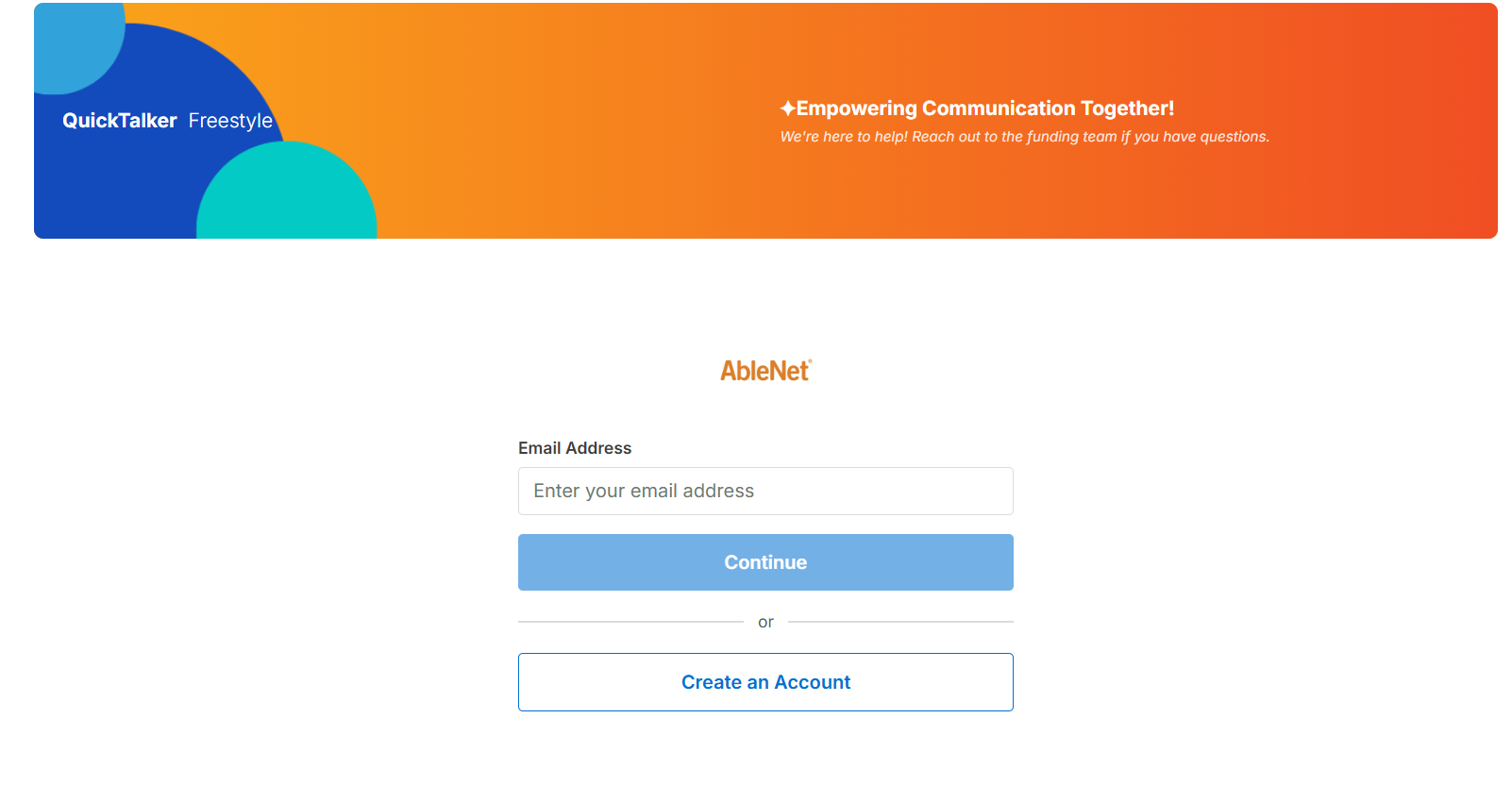
New Users
- Visit fn.ablenetinc.com.
- Click the Create an Account.
- Enter the email address associated with your AbleNet account.
- Check your email for a one-time verification code to complete sign-in. No password needed!
Next Step SLPs
If you’re a Next Step SLP, you already have an account! You will sign in with the email address on file.
- Visit fn.ablenetinc.com.
- Log in with the email associated with your AbleNet account.
- Check your email for a one-time verification code. No password needed!
What You Can Do in the Portal
Once you’re logged in, you’ll have access to the following features:
|
Features |
What it Does |
|---|---|
|
Unsubmitted Evaluations |
See a list of clients with evaluations that are still pending. Select Click here to submit to be redirected to the speech evaluation tool to complete the report. |
|
View Funding Request Details |
Select View Details on any funding request to see key information about that client’s request, including its current status. |
|
Submit a Benefit Check |
Have a new client or student? Use the Submit a Benefit Check button to start a new funding request from within the portal |
|
Open and Closed Requests |
View all active (open) and completed (closed) funding requests associated with your account in one consolidated view. |
Frequently Asked Questions
How do I access the SLP Portal?
Visit fn.ablenetinc.com to reach the portal.
How do I log in?
After signing up, go to the portal login screen and enter the email address associated with your funding request. You will receive a one-time verification code via email.
Enter this code to complete sign-in, no password required!
I’m a Next Steps SLP. Do I need a new account?
No. You will use the same portal link and login you already have. You will simply notice new features added to your existing dashboard.
Is this a new portal, or the same as the Next Steps portal?
It’s the same portal login, but Next Step offers tools tailored to clinics or school districts managing expansive caseloads, or those needing a broader leadership view.
A client is missing from my portal. What should I do?
Funding requests will appear in your portal based on the email address associated with your account. If a client is missing, check that the email address you used to log in matches the one on file for that client’s request. If not, visit our contact page to contact Customer Service and they will help you out!
Can I change the email address on my account?
We recommend avoiding email address changes unless absolutely necessary, as it can significantly affect what appears in your portal. If a change is needed contact Customer Service.
Who do I contact if I need help with the portal?
Contact the AbleNet Customer Service team for assistance with the portal!
