


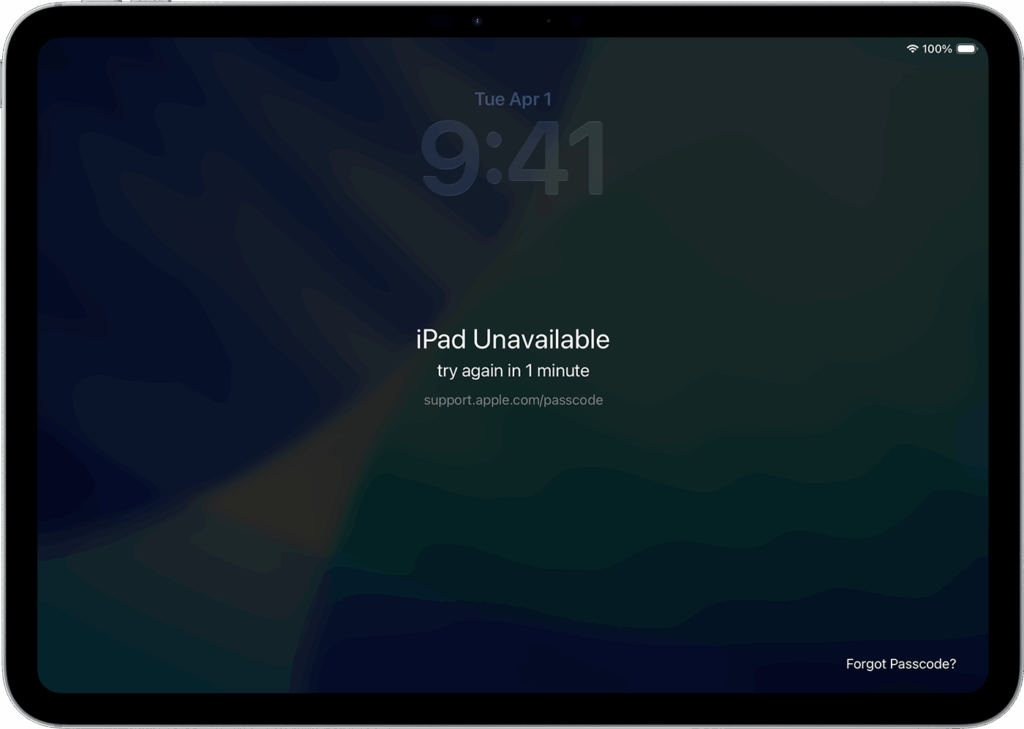
You’re here because: Your device shows “iPad Unavailable” because the wrong passcode was entered too many times, which triggers Apple’s security lockout.
Stop — contact ableCARE support instead of Apple. If you’re locked out, don’t reach out to Apple directly. Your ableCARE warranty covers this, and we’ll get you back up and running in no time.
What to Do
If the wrong passcode was entered only a few times, the lockout is usually temporary.
- If you remember your passcode, allow the timer to reset, and try again.
- If you don’t remember your passcode, contact ableCARE so we can help you.
- When you contact ableCARE, we’ll provide you with a form to fill out so we can remotely force restart the device.
- When it starts back up, your device will no longer require a passcode. If you’d like to set a new passcode follow the instructions in Set Up a Passcode and Touch ID.
- If the device is still locked out, go to “What to Do Next.”
What to Do Next
If your device is locked out after your temporary lockout has expired, then your device might be fully locked, and you’ll need to get a replacement. Submit a Warranty Request to get started.
Still Stuck?
Our support teams are available Monday – Friday, 8 a.m. – 5 p.m. CST.
-
ableCARE Product Support
For technical issues related to QuickTalker Freestyle or assistive technology products.