
Why isn’t my PowerLink 4 controlling my appliance?


Summary🔗
This guide will help you troubleshoot and determine why your PowerLink 4 is not operating your appliance. By following the steps, you will verify if your appliance is compatible with the PowerLink 4 and ensure it functions correctly.
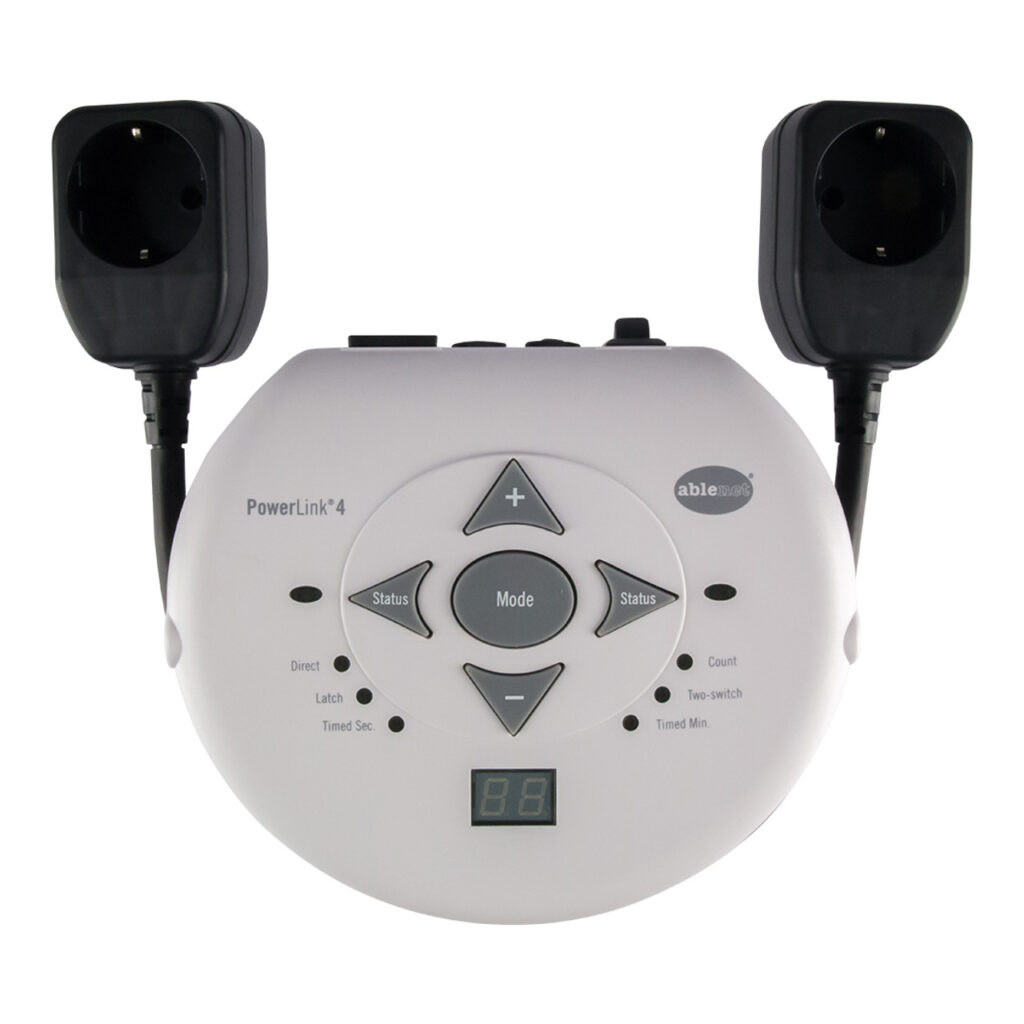
Required Items🔗
- PowerLink 4 device
- Appliance (fan, blender, lamp, etc.)
- A power source (wall socket)
- Optional: a screwdriver (if needed for appliance inspection)
Instructions🔗
- Plug your appliance in, then turn it on and ensure it is functioning properly.
- Without turning the appliance off, unplug it from the wall.
- Plug the appliance back in.
- If the appliance comes back on after the power is restored, it should now be operable through the PowerLink 4 switch. If it does not, your appliance is not compatible with the PowerLink 4.
- Lastly, test the appliance with the PowerLink 4.
Tips and Troubleshooting🔗
- If the appliance turns off when unplugged and plugged back in, this means it does not have a mechanical switch and will not be compatible with the PowerLink 4. For a successful operation, you will need to use an appliance that has this feature.
- Double-check the PowerLink 4 connections: Ensure that the PowerLink 4 is properly connected to both the appliance and the power source.
- If your appliance still isn’t responding, Try testing with another appliance with a mechanical switch to confirm the PowerLink 4 is functioning correctly.
Please visit the PowerLink 4 Support Hub for additional support resources.
If you have any additional questions, please contact the ableCARE Product Support Team for further assistance.
🔗
