
Why does the iTalk2 LED flash yellow one time and not play my message?


Summary🔗
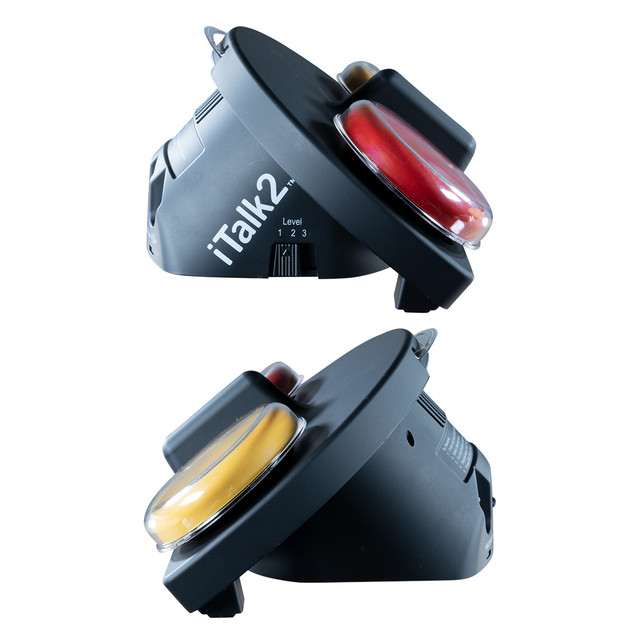
The iTalk2 indicator LED can flash yellow. If you see it flash yellow one time and it doesn’t play your message, this may indicate that a message is not recorded on your device.
Causes🔗
Messages may have not yet been recorded, or they may have been erased.
Solutions🔗
Try to record a new message on your iTalk2 following these steps:
- Ensure you’ve properly installed a new, 9V Alkaline battery into your device.
- Turn the device on.
- Press and hold the Record button on the back of the device until the LED lights up solid Red, then release the switch.
- Press and hold down the main switch top of your device. The LED will flash Red when recording.
- Speak your message into the communication device, then release the switchtop to complete the recording.
- When finished, press the Record button one time to exit record mode.
You may now press the switch top of your device one time, and you should hear your recorded message.
Next Steps🔗
Please visit the iTalk2 Support Hub for additional support resources. If you have any additional questions, please contact the ableCARE Product Support Team for further assistance.
