
How to Secure the Colored Switch Cap on the Jelly Beamer Transmitter


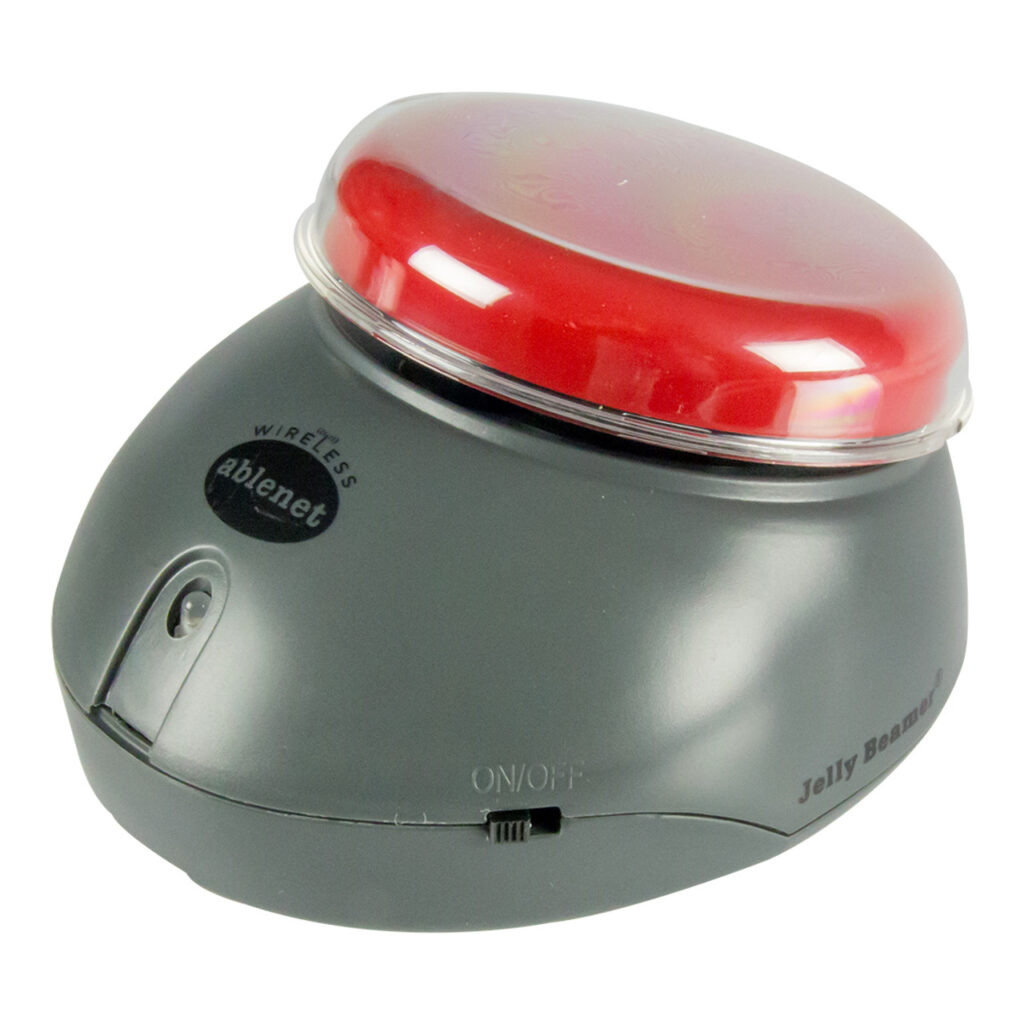
Some users may find that the colored switch cap comes off too easily while using the Jelly Beamer Transmitter. This article will describe how to secure it so it remains firmly in place.
Required Items
- Jelly Beamer Transmitter
- A semi-permanent adhesive such as:
- Elmer’s School Glue
- Hot glue from a hot glue crafting gun
- Thread seal tape (otherwise known as plumber’s tape)
- Removable mounting or poster putty
Instructions
To better secure your switchtop to the body of your Jelly Beamer Transmitter, we recommend adding a small amount of semi-permanent adhesive to the threads of the switchtop. This will provide additional resistance to help hold the switchtop in place. To do this, follow these steps:
- Select an adhesive from the list above.
- Remove the colored switch top from the Jelly Beamer Transmitter by twisting it counterclockwise.
- Ensure that the switch cap and the mounting area on your Jelly Beamer Transmitter are clean and dry.
- Add the semi-permanent adhesive to the threads on the device.
- If using glue or putty, apply a small amount directly to the mounting surface of the switch cap.
- If using thread seal tape, wrap a thin layer of tape around the mounting area.
- Replace the colored switch top of your choice back onto the device by twisting clockwise.
- If using glue, allow sufficient drying time, as recommended by the manufacturer, before using your device.
Tips and Troubleshooting
- If the switch cap still feels loose, try applying an additional adhesive layer or tape for extra grip.
- Avoid using permanent adhesives, as they may make future removal difficult or damage the device.
- If you need to remove the switch cap later, gently twist and pull it off. If necessary, use warm water to loosen glue-based adhesives.
Please visit the Jelly Beamer Transmitter Support Hub for additional support resources.
Register and Reach Out
Register your product or get more help from our support teams!
