
How much record time is available per TalkingBrix 2?


Answer🔗
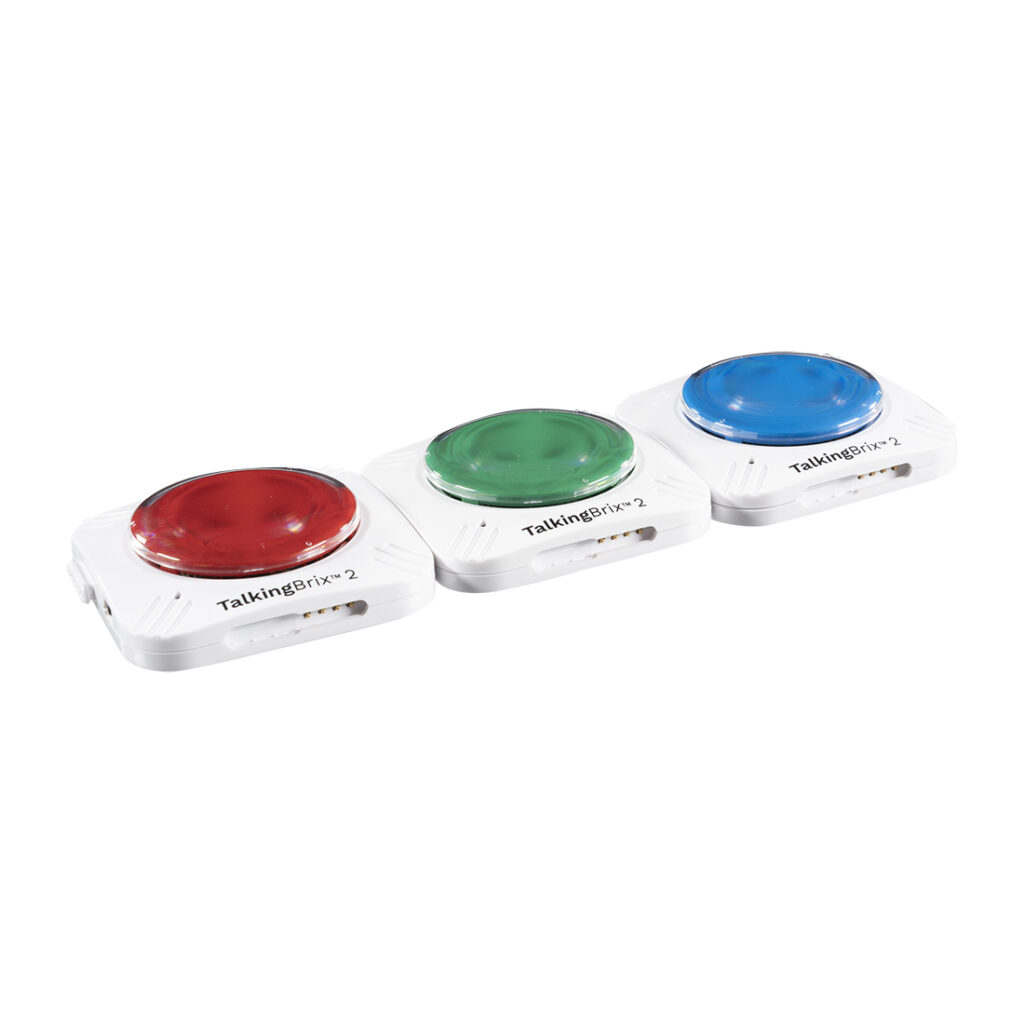
Each TalkingBrix 2 has a total of 10 seconds of record time. In total, you can record 30 seconds of messages across all three devices.
Tips and Troubleshooting 🔗
To record a new message on the TalkingBrix 2:
- Turn the device over.
- Move the switch to REC to enter record mode.
- Turn the device back over.
- Press and hold the colored switch top until the LED light starts blinking.
- Begin speaking.
- Release the colored switch top when finished recording.
- Turn the device over and move the switch from REC to ON.
You may now press the switch top on your TalkingBrix 2 one time, and your recording will play!
Additional Support🔗
Please visit the TalkingBrix 2 Support Hub for additional support resources.
Register and Reach Out🔗
Register your product or get more help from our support teams!
