Set the Date and Time on Your QuickTalker Freestyle
This quick fix solves a common app download issue.
If the date and time are incorrect on your QuickTalker Freestyle speech device, you may have trouble downloading speech apps from the App Store. This is easy to check and fix.
All Apple devices rely on accurate date and time settings to communicate with Apple servers. Incorrect settings can prevent apps from downloading.
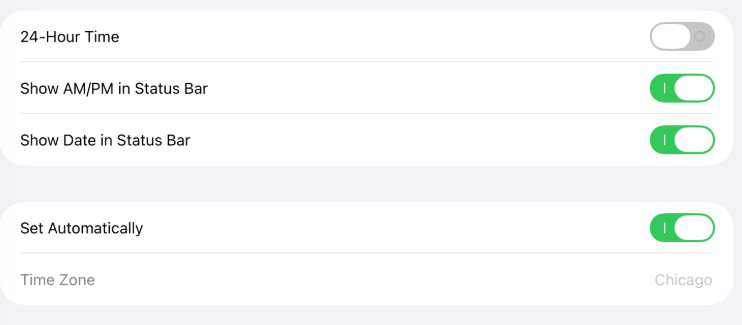
How to Check Your Date & Time Settings:
Tap the Settings app.
Tap “General.”
Swipe down on the right side and look for “Date & Time.”
Ensure “Set Automatically” is enabled.
Return to the App Store and try downloading your speech app again.