How to Request Ongoing Access to Wi-Fi from Your District’s IT Department


Some school districts prevent their students from having full-time Wi-Fi access, which can cause issues with updating and accessing the QuickTalker Freestyle.
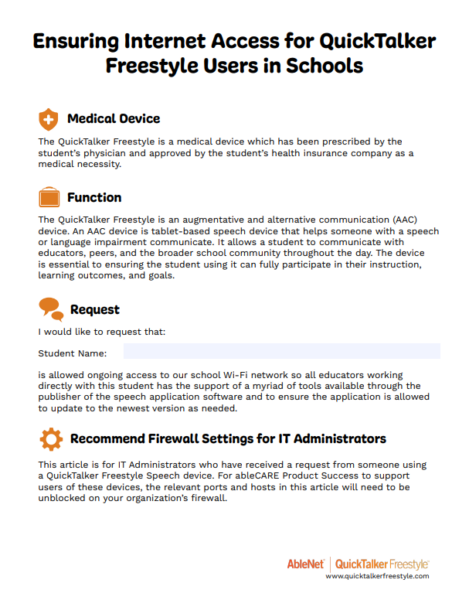
This guide will give you a resource to share with your administration and IT department that details the medical necessity of Wi-Fi access, a request template, recommended firewall settings, and other important information.
AAC Devices are Medical Devices🔗
The QuickTalker Freestyle is a medical device which has been prescribed by the student’s physician and approved by the student’s health insurance company as a medical necessity.
This Device is Only Used for Speech🔗
The QuickTalker Freestyle is an augmentative and alternative communication (AAC) device. An AAC device is tablet-based speech device that helps someone with a speech or language impairment communicate. It allows a student to communicate with educators, peers, and the broader school community throughout the day. The device is essential to ensuring the student using it can fully participate in their instruction, learning outcomes, and goals.
Recommended Firewall Settings🔗
For IT administrators, we’ve also included information on allowing ableCARE through your organization’s firewall in order to provide assistance to the AAC device user. See the downloadable file for the port list, hostnames, and apple push notification information.
Download This PDF🔗
Share this information with your district IT department and relevant school staff.